

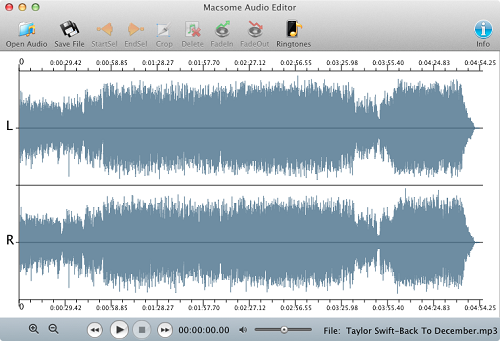
With Macsome Audio Editor, you can quickly cut and trim audio, as well as split files. It works with compressed MP3 and AAC formats to edit without the quality loss caused by other editors. Get perfect quality audio when editing natively in the MP3, AAC formats.

With Macsome Audio Recorder, you can just select part of an audio file. Then you can save to a file easily, or adjust volumn. Add fade in or fade out effects.
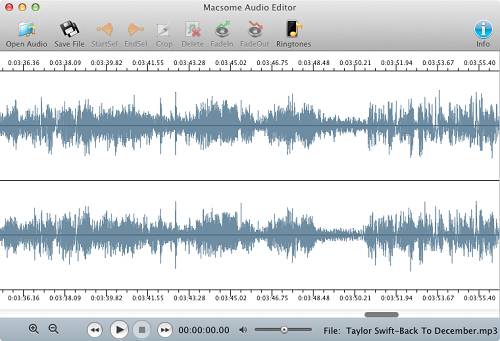
You can also easily split a big files to small ones, and it supports precise splits.
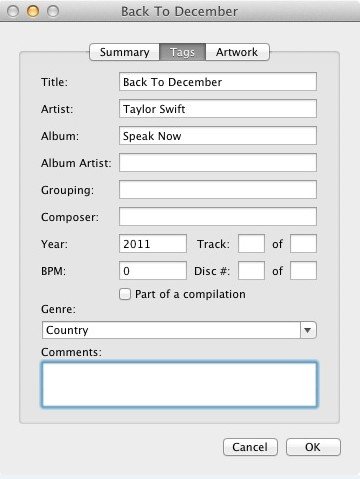
You may also Fade In or Fade Out an audio, adjust the volumn of an audio, and add ID Tags while saving MP3 or AAC files.
You can use it to make Ringtones for iPhone, or any other phone which support MP3 or AAC file as its ringtone. And you can also use it to remove any unwanted part or ads from audio files.
You can add ID Tags for the audio file you saved to disk. ID Tags including Song Name, Artist, Album Name, etc.


Free customer service is available for trial version users.

Checkout through safe and trusted platforms like 2CHECKOUT.

Conversion fails to help you? 30 days money back guarantee.

Email response within 24 hours & Live Chat.

Convert audio files to MP3, AAC formats for iPod, iPod Touch and other MP3 players.



 English
 日本語
日本語
"Simple function, easy to use. "
"I like to use it to make the ringtone. "