
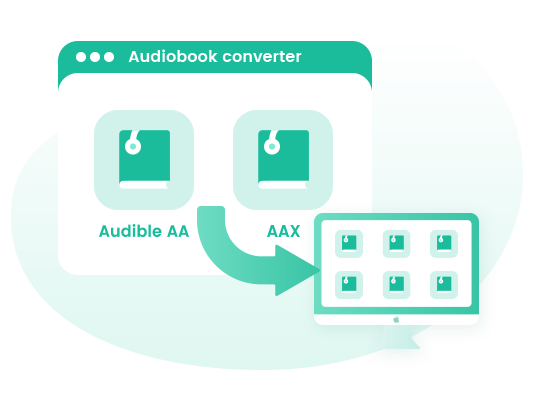
Download Audible AA or AAX Files on Mac
As an all-in-one Audible Audiobook Converter, Macsome Audiobook Converter enables you to download Audible AA/AAX audiobooks to your Mac. With it, you can convert the downloaded Audible audiobooks from the local computer, beside, you can also directly add audiobooks and podcasts from Audible website. Just log into your Audible account.
It can convert audiobooks from Audible Plus to MP3, M4A and M4B with ID3 tags preserve, including Title, Artist, Author, Year, Genre, Comments, etc.
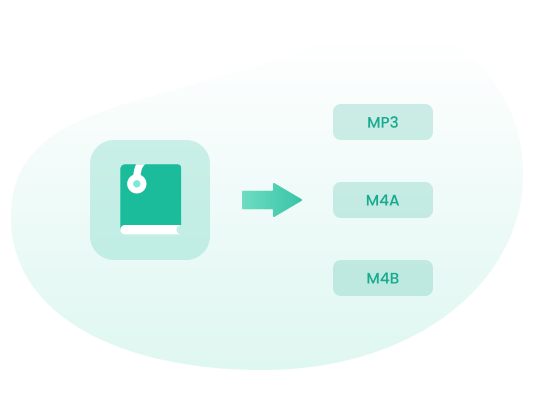
Convert Audible Audiobooks to MP3, M4A and M4B
Audiobook Converter for Mac is able to convert Audible audiobooks to common format, such as MP3, M4A and M4B with 100% original output quality. It also supports batch conversion, you can add several audiobooks to the Audiobook Converter, and then it will convert them one by one.
Macsome Audiobook Converter supports organizing output files by chapters or time set. After added the Audible files, you can split output audio by chapters or segments as you like.
Transfer Audible Audiobooks to Multiple Devices
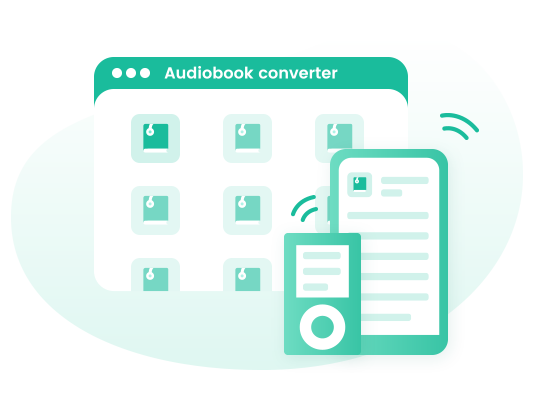
Audible is not compatible with all of devices. Thanks to Audiobook Converter, you can convert Audible audiobooks to MP3, M4A and M4B, so that you can transfer Audible audiobooks to multiple devices you own, like Android phone, iOS devices, common MP3 players and so on.
Super Fast Converting Speed & High Output Quality
Macsome Audiobook Converter would be probably the best Audiobook conversion tool which can convert Audble audiobooks to MP3 or AAC with the 100% original quality. What's more, it also perform almost 300X faster to convert audiobooks to MP3, M4A and M4B. For example, you can download 1-hour audiobook in 30 secsonds.
Free Updates & Technical Support
After you purchase Audiobook Converter, you will receive free technical support and software upgrades. You can always ask questions for free via email at [email protected] . We try to respond as quickly as possible.
What Makes Macsome Stand out
Discover more useful features of Macsome Audiobook Converter.High Success Rate
Adopting industry-leading decrypting technique, it helps you efficiently convert Audible audiobooks at up to 300X speed.
Keep Chapter Info and ID3 Tags
This smart Audible Converter lets you convert Audible audiobooks with the chapter and original ID3 tags preserved.
Batch Conversion
Macsome Audiobook Converter enables you to add multiple files simultaneously and easily convert in AA/AAX to another format.
Easily Add Files
You can simply drag and drop the AAX/AA files from the local computer or add audiobooks or podcasts from the Audible Library.
100% Safe Guaranteed
Macsome Audiobook Converter is 100% safe and clean to use, free free any malware or bundled software. No redundant buttons.
Multi-Language Support
Macsome Audiobook Converter supports up to 48 languages, including English, Japanese, German, French, Chinese, etc.
How to use Macsome Audiobook Converter
See the screenshots to learn how to use Macsome Audiobook Converter to download Audible Plus Catalogue for offline listening. View online tutorial >>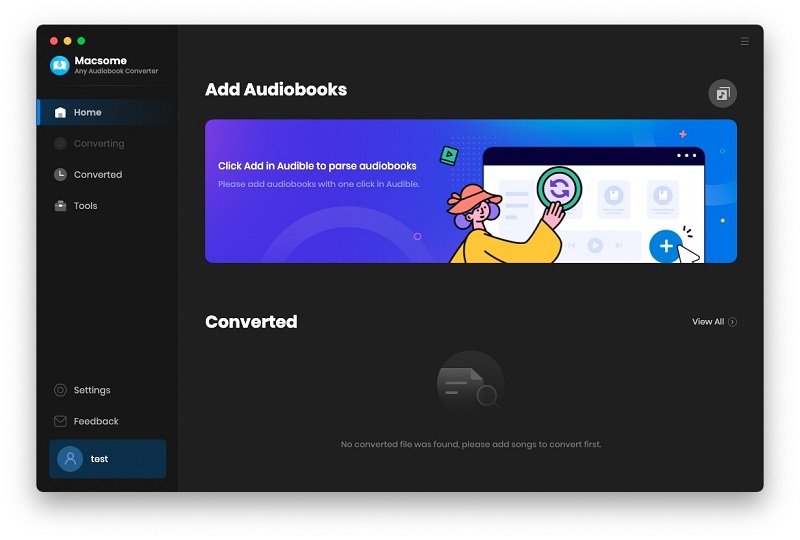
Interface of Macsome Audiobook Converter for Mac
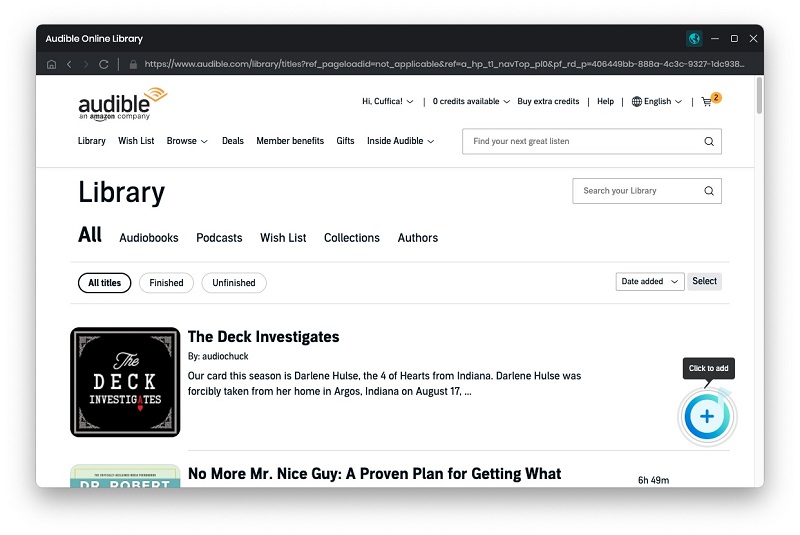
Add Audiobooks to Audiobook Converter
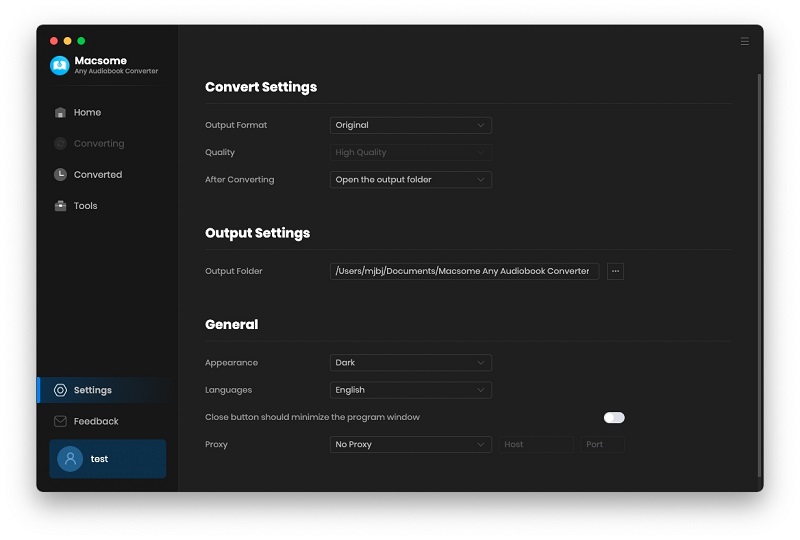
Set Output Format as MP3, M4A or M4B
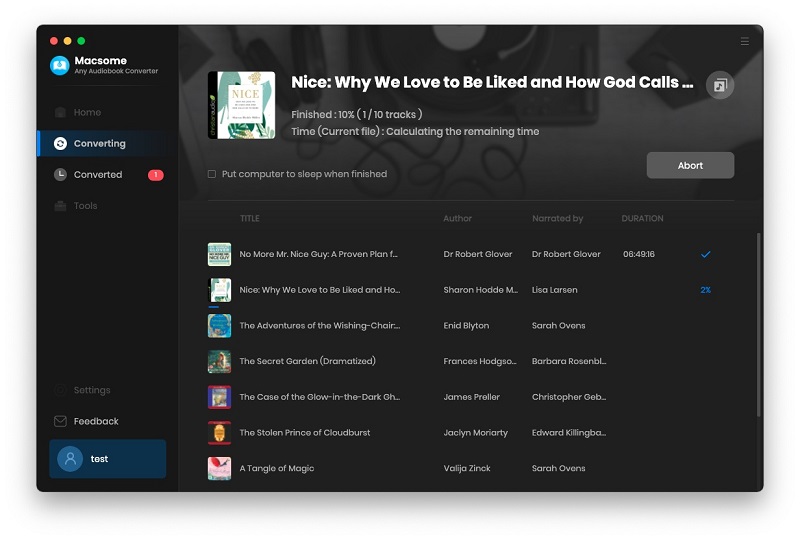
Click Convert buton to start Audible audiobook conversion
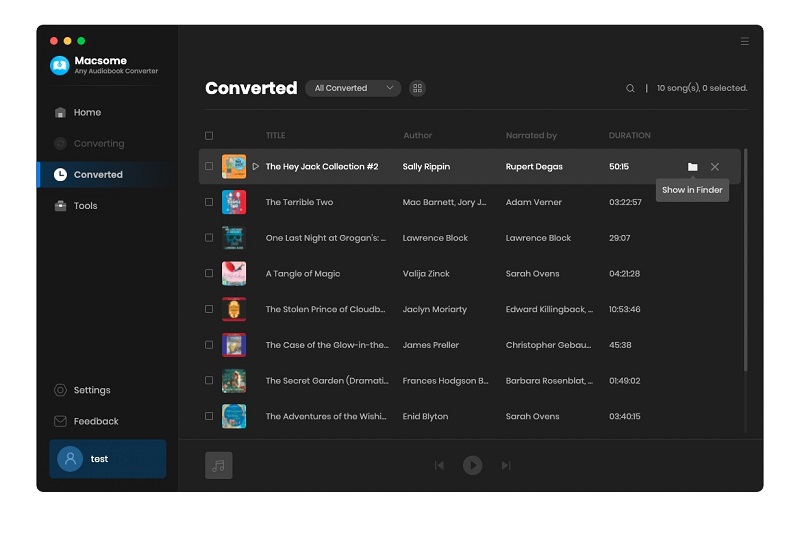
Find the converted audiobooks
System Requirements
- macOS 11, MacOS 12, macOS 13, macOS 14, macOS 15, and macOS 26.
- 1G Hz processor, or above.
- Monitor with 1024x768 pixels or higher resolution.
- 256MB or higher of RAM.
What you can convert?
Local Audible audiobooks & audiobooks and podcasts from Audible.com
Supported Output Formats
MP3, M4A, M4B
Support Up to 26 Languages
 Arabic
 French
 Chinese
 Hebrew
 Malay
Malay
 Czech
Czech Indonesian
 Norwegian
 Turkish
 Hindi
Hindi
 Danish
 Georgian
 Italian
 Spanish
 Finnish
 Dutch
Dutch German
 Japanese
 Filipino
 Zulu
Zulu
 English
 Greek
Greek Portuguese
 Hungarian
 Brazilian
Try Macsome Audiobook Converter Free
Listen to the Audible Plus Catalog titles offline. Convert local Audible audiobooks to MP3, M4A, and M4B.What our users are saying
-

Macsome Audiobook Converter can convert Audible audiobooks to MP3 easily. So I can play audiobooks anywhere. It is a straightforward app that any user can get the hang of in moments.
-

It is an excellent tool. With the help of Audiobook Converter, I can backup all my audiobooks from Audible and free up my computer.
-

Macsome is greater than I expected. I especially love its editing function.
-

The software is very easy to use. Very intuitive. I'm amazed and very happy that such great software is available at such a low price.
-

Macsome is user friendly. I can use it to download Audible Plus titles locally so that I can listen to the Plus Catalog titles offline.
-

It is a useful tool for converting Audible AAX files to MP3. Also, Macsome customer service is very helpful and understanding!
Frequently Asked Questions
Yes, you can cancel it anytime. If you want to cancel your subscription, please refer to Macsome Subscription FAQs
Find more anwsers and solutions of Macsome Audiobook Converter