



 Belinda Raman
"Qobuz Telegram bot." I want to download files above FLAC. I would like to download in Hi-Res or Master quality. Does anyone know a bot or a method of downloading music above FLAC quality via phone?
Many audiophiles share the same question. Qobuz is well known for its studio-quality music library, offering everything from standard CD-quality FLAC (16-bit/44.1kHz) to Hi-Res audio up to 24-bit/192kHz. As a result, many users are looking for a Qobuz Telegram Bot that can quickly search for and download high-quality Qobuz music directly within Telegram.
Telegram bots have become increasingly popular because they're fast, free to use, and require no software installation. Simply search for a song, album, or artist, and the bot returns downloadable audio files within seconds. However, not every Qobuz Telegram Bot delivers the same experience. Some bots stop working unexpectedly, others have limited music libraries, and many don't consistently provide true Hi-Res FLAC downloads.
To help you find the best option, we've tested some of the most popular Qobuz Telegram Bots available today. In this guide, you'll learn how they work, compare their features, discover their pros and cons, and see the best desktop alternative for downloading Qobuz music safely, reliably, and in original lossless quality.
Table of Contents
Part 1. Why Use a Qobuz Telegram Bot?
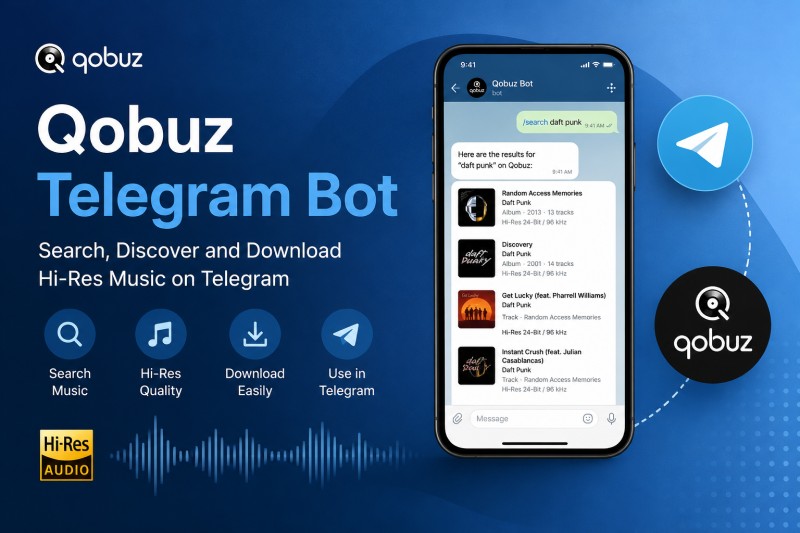
A Qobuz Telegram Bot lets you search for and download music directly within Telegram. Instead of installing additional software, you simply chat with the bot, search for a song, album, or artist, and receive downloadable results in just a few taps.
Many users prefer Telegram bots because they offer a simple and convenient experience. Depending on the bot, you may also be able to access music from other streaming services besides Qobuz.
- No software installation required
- Search by song, album, or artist
- Some bots support multiple streaming platforms
- Easy to use on both mobile phones and desktops
- Free to access in most cases
Part 2. Best Qobuz Telegram Bots (Tested)
We tested several popular Qobuz Telegram Bots to compare their features, supported platforms, and overall user experience. These bots provide different ways to search for Qobuz music, including options for finding tracks, albums, and potential FLAC downloads directly through Telegram.
2.1 @MusicsHuntersBot
Website: https://t.me/MusicsHuntersbot
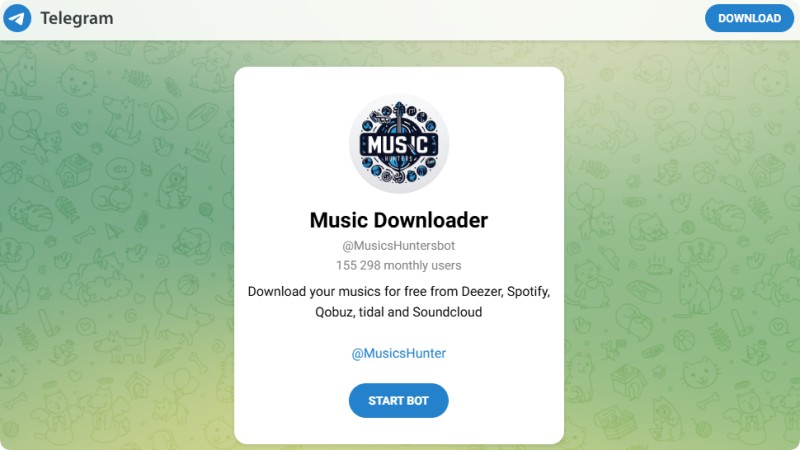
MusicsHuntersBot is a popular Qobuz Telegram Bot that enables users to search for and download music from multiple streaming platforms, including Qobuz, Spotify, Deezer, TIDAL, and SoundCloud. Through its simple chat-based interface, users can search by song title, artist, album, or even a music link to quickly retrieve downloadable tracks. Supporting multiple music services in one place makes it a convenient option for casual users. However, download availability, audio quality, and Hi-Res support may vary depending on the source and the bot's current status.
Pros:
- Supports Qobuz, Spotify, Deezer, Tidal, and SoundCloud
- Simple Telegram interface
- Fast music search
- Free to use
Cons:
- Bot availability may change
- Download quality depends on the source
- No official support from Qobuz
2.2 @JioDLBot
Website: https://t.me/JioDLBot
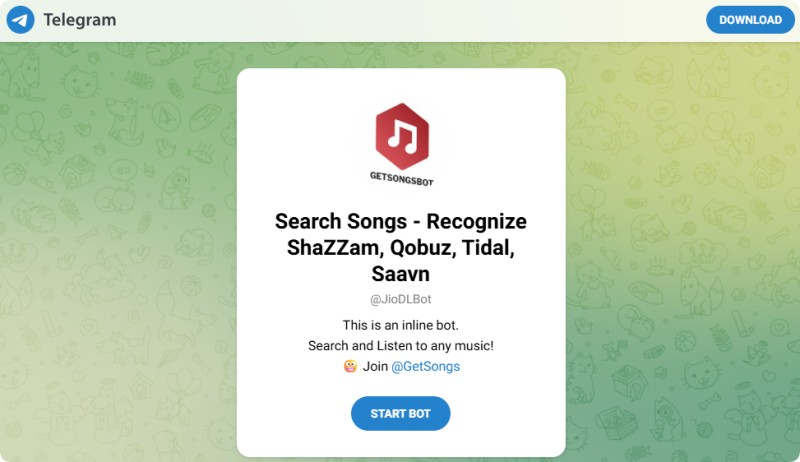
JioDLBot is an inline Telegram bot that allows users to search for music without leaving their current chat. Unlike traditional Telegram bots, it supports inline queries, making it faster and more convenient to discover tracks from platforms such as Qobuz, TIDAL, and JioSaavn. It also features built-in song recognition, similar to Shazam, helping users identify unknown songs before retrieving download results. While its streamlined workflow is ideal for quick music searches, supported platforms, file quality, and download reliability may change as the bot is updated.
Pros:
- Inline search inside Telegram
- Supports Qobuz and Tidal
- Includes music recognition
- Easy to use
Cons:
- Search results may vary
- Some tracks may be unavailable
- Features can change without notice
2.3 @HiFiTideBot
Website: https://t.me/HiFiTideBot
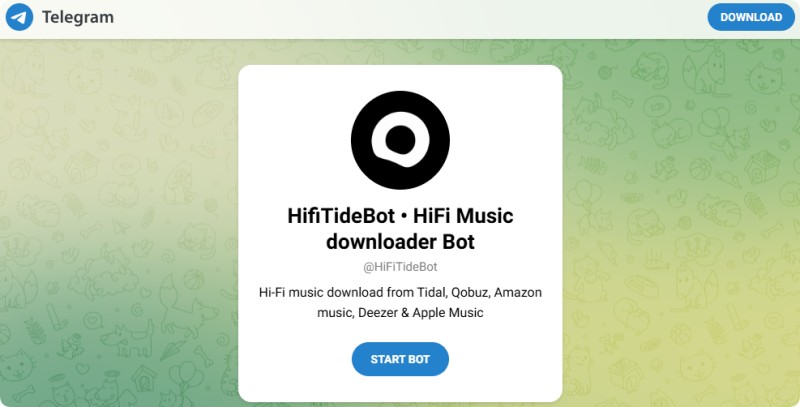
HiFiTideBot is designed for users interested in high-quality music downloads from platforms such as Qobuz, Tidal, Amazon Music, Apple Music, and Deezer. As a Qobuz Telegram Bot FLAC option, it focuses on providing access to lossless music formats and supports searching for both individual tracks and albums. However, like other Telegram bots, its performance and available content may change over time.
Pros:
- Designed for Hi-Fi music downloads
- Supports multiple music platforms
- Simple Telegram interface
- Suitable for album searches
Cons:
- Not officially affiliated with Qobuz
- Bot availability may fluctuate
- Download performance varies by source
Part 3. How to Use a Qobuz Telegram Bot?
Using a Qobuz Telegram Bot is usually simple and does not require installing additional applications. Most bots work through Telegram commands or search messages, allowing users to find music and access available download options directly from the chat window. Follow these steps to get started:
Step 1. Open Telegram and Find a Qobuz Bot
Open the Telegram app and search for a Qobuz Telegram Bot. Choose a bot from the available results and start a conversation. Make sure you are using the correct bot account, as many third-party bots may have similar names.
Step 2. Search for a Song, Album, or Artist
Enter the name of a song, album, or artist into the bot chat. Depending on the bot, you may need to use a specific command or simply type your search query. The bot will then display available music results.
Step 3. Select the Available Audio Quality
Some Qobuz Telegram Bots may provide different audio options, including MP3, FLAC, or higher-quality formats. If lossless audio is available, check the file information before downloading to confirm the format and quality.
Step 4. Download the Music File
After selecting a track or album, follow the bot instructions to download the available file. The download process happens directly through Telegram, and the saved files can usually be accessed from your device storage.
Part 4. Is a Qobuz Telegram Bot Safe and Legal to Use?
Before using a Qobuz Telegram Bot, one of the most common questions is whether it's safe and legal. The answer depends on how the bot operates, where it obtains its music files, and how you use the downloaded content.
From a security perspective, most Telegram bots are developed by independent third parties rather than Qobuz itself. While many bots work as expected, others may become inactive, redirect users to external websites, or deliver files with inconsistent quality. It's always a good idea to verify the bot before downloading any content.
Tips for Using a Qobuz Telegram Bot Safely
- Choose well-known Telegram bots with active communities and positive user feedback.
- Verify the downloaded file format and audio quality before saving it to your music library.
- Never share personal information, account credentials, or payment details with unofficial bots.
- Keep Telegram and your antivirus software up to date for added protection.
Regarding legality, Qobuz Telegram Bots are unofficial tools and are not affiliated with Qobuz. Whether downloading music through these bots is permitted depends on your local copyright laws, Qobuz's Terms of Service, and how the downloaded files are used. If you plan to download music, make sure you have the appropriate rights or authorization.
Although Qobuz Telegram Bots are convenient, they aren't always the most dependable solution. If you need a more stable way to download Qobuz music, a dedicated desktop downloader is worth considering. Next, we'll take a closer look at one of the best Qobuz Telegram Bot alternatives.
Part 5. Best Qobuz Telegram Bot Alternative: Macsome Music One
Macsome Music One is a professional Qobuz music downloader that provides a more reliable alternative to Telegram bots. It enables you to download Qobuz songs, albums, and playlists in their original quality and convert them to FLAC, MP3, AAC, WAV, AIFF, or ALAC for offline playback. Unlike most Telegram bots, Macsome Music One supports Hi-Res FLAC downloads and can export MP3 files at up to 320 kbps. It also preserves ID3 tags, album artwork, artist information, and other metadata, making it easy to organize your music library.
Another advantage is its batch downloading capability. Instead of downloading tracks one by one, you can save multiple songs, albums, or playlists in a single operation, significantly improving efficiency. With stable performance, high-quality output, and support for multiple streaming platforms, Macsome Music One is an excellent choice for users looking for a long-term Qobuz downloading solution.
Why Choose Macsome Music One?
- Download Qobuz songs, albums, and playlists with ease.
- Support Hi-Res FLAC downloads and export to MP3 (up to 320 kbps), FLAC, AAC, WAV, AIFF, and ALAC.
- Preserve ID3 tags, album artwork, lyrics, and other metadata automatically.
- Batch download multiple songs, albums, and playlists at up to 10X faster speed.
- Maintain original audio quality for an excellent offline listening experience.
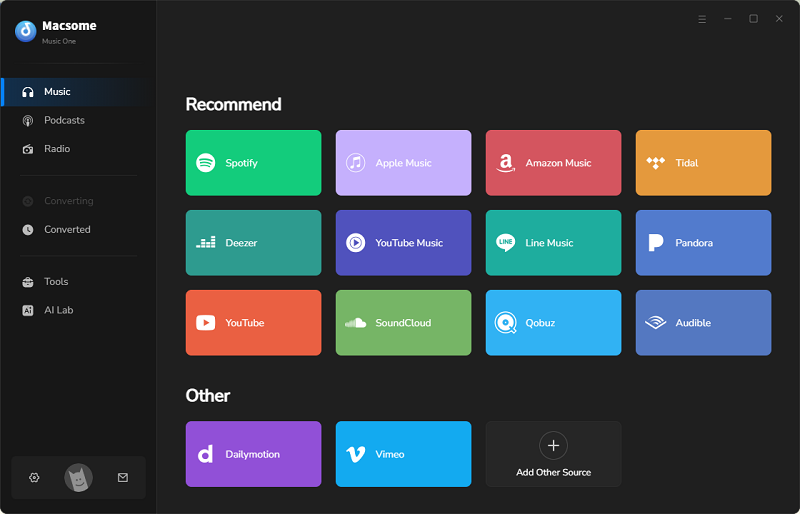
- Support Qobuz, Spotify, Apple Music, Tidal, Amazon Music, YouTube Music, and more.
- Compatible with both Windows and macOS.
- Includes useful tools such as a tag editor, local audio converter, CD burner, and vocal remover.
How to Use Macsome Music One to Download Music from Qobuz?
Step 1. Launch Macsome Music One
Download, install, and launch Macsome Music One on your Windows PC or Mac. From the home screen, select the Qobuz module.
Step 2. Sign in to Your Qobuz Account
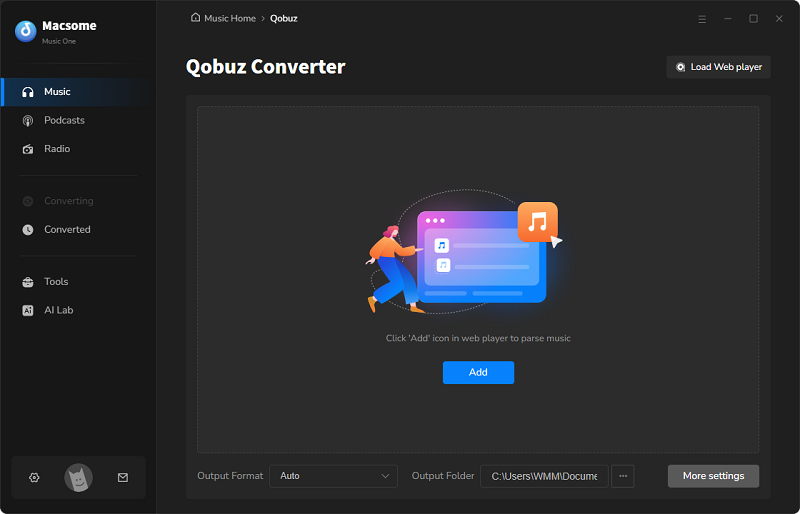
The built-in Qobuz web player will open automatically. Log in with your Qobuz account to access your playlists, albums, artists, and favorite tracks.
Step 3. Choose the Output Settings
Click the Settings button and choose your preferred output format, such as FLAC, MP3, AAC, WAV, AIFF, or ALAC. You can also adjust the output quality and select the destination folder for downloaded files.
Step 4. Add Qobuz Music
Browse the music you want to download in the built-in Qobuz web player. Open a playlist, album, or artist page, then click Click to Add. Select the songs you want to save and add them to the conversion list.
Step 5. Download Qobuz Music
Click the Convert button to start downloading your selected tracks. Macsome Music One supports batch downloading, allowing multiple songs, albums, or playlists to be downloaded at the same time. Once completed, open the History window and click the folder icon to locate your downloaded Qobuz music.
Part 6. FAQs about Qobuz Telegram Bots
- What is the best Qobuz Telegram Bot?
- The best Qobuz Telegram Bot depends on your needs. Some bots focus on quick music searches, while others provide access to different streaming platforms or lossless audio options. Since Telegram bots are operated by third parties, their features and availability may change over time.
- Can Qobuz Telegram Bots download FLAC music?
- Some Qobuz Telegram Bots may provide FLAC or lossless audio downloads, but the available quality depends on the specific bot and its music sources. Users looking for consistent Hi-Res FLAC output may prefer a dedicated Qobuz music downloader with more control over audio formats.
- Why is my Qobuz Telegram Bot not working?
- A Qobuz Telegram Bot may stop working because of server issues, changes in supported sources, account limitations, or bot maintenance. If a bot does not respond, you can try restarting Telegram, checking the bot status, or using another available solution.
- Can I download Qobuz playlists with Telegram Bots?
- Some Qobuz Telegram Bots may support searching or downloading individual tracks, while playlist support depends on the specific bot. For users who need to download large collections, a desktop Qobuz music downloader with batch download support may provide a more convenient experience.
Conclusion
Qobuz Telegram Bots can be useful for users who want a quick and simple way to access music through Telegram. However, their performance and availability may vary, making them less suitable for users who want a more consistent music downloading experience.
For those looking for a reliable Qobuz Telegram Bot alternative, Macsome Music One provides an easier and more stable way to download music from Qobuz. With its user-friendly interface and powerful downloading features, it helps you enjoy your favorite music with greater convenience.
Choose the tool that best fits your needs. If you want a dependable solution for managing your Qobuz music collection, Macsome Music One is worth trying.