



 Belinda Raman
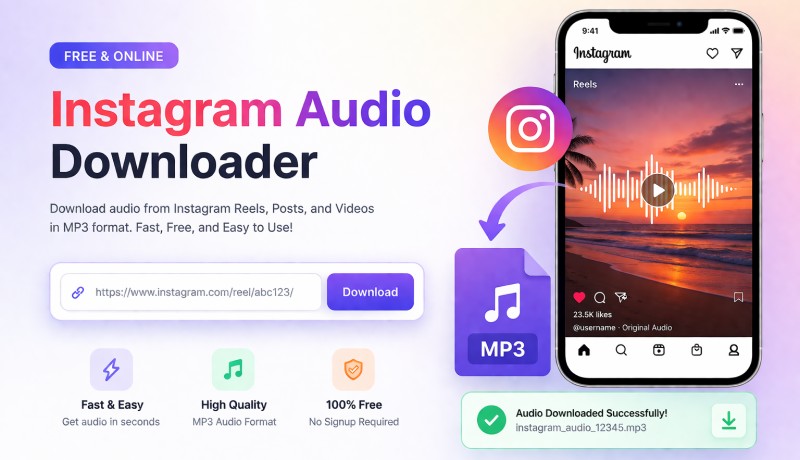
Instagram is full of trending music, viral sounds, and engaging audio from Reels and videos. However, it does not provide a built-in way to download audio separately. As a result, many users are searching for a reliable Instagram audio downloader to extract and save their favorite sounds.
A good tool makes it easy to download audio from Instagram Reels, videos, and posts in high quality for offline listening or content creation. But with so many options available online, choosing the right one isn’t always straightforward. Some tools deliver poor audio quality, while others are overloaded with ads or hidden limitations. To help you find the best option, we tested dozens of tools and selected the top 10 best Instagram audio downloader that are free, online, and easy to use. Whether you want to save audio for offline listening or reuse it in your own content, you'll find fast, safe, and reliable solutions that actually work.
- Part 1. Best Instagram Audio Downloader for Desktop: Macsome Music One (Up to 320kbps)
- Part 2. Top 10 Free Online Instagram Audio Downloader (All Tested)
- #1. AudioDropper
- #2. ReelSave
- #3. ReelsVideo
- #4. SpeakApp AI
- #5. Toolzin
- #6. FastVideoSave
- #7. sssReels
- #8. Snaplytics
- #9. INDownloader
- #10. InstaSaver
- Part 3. Best Instagram Audio Download Tools Comparison (11 Tools)
- Part 4. FAQs About Instagram Audio Download Tools
Part 1. Best Instagram Audio Downloader for Desktop: Macsome Music One
Before exploring free online tools, it's worth considering a more stable and professional solution - Macsome Music One, a powerful desktop-based Instagram audio downloader designed for users who need high-quality output and reliable performance. Unlike many online Instagram audio downloader tools that rely on unstable web pages, limited features, or ad-heavy experiences, Macsome Music One provides a smooth and secure way to download audio from Instagram videos, Reels, and clips directly to your computer. With no ad interruptions, you get a faster and more consistent downloading experience.
This all-in-one tool supports batch downloading, allowing you to convert multiple Instagram videos to MP3 at once — perfect for users who frequently need Instagram video to MP3 conversion. It also ensures high-quality output of up to 320 kbps, giving you much better audio clarity compared to most free Instagram music downloader online services.
Macsome Music One also lets you easily choose the audio format and quality you want. It’s a good option for anyone who needs clean audio for offline use. Whether you’re saving trending Reels sounds or building your own audio collection, it makes the whole process quick and easy.
Best Instagram Audio Downloader Features – Macsome Music One
- Download audio from Instagram Reels, videos, Spotify, Apple Podcasts, YouTube, and more
- Convert Instagram video audio to MP3, AAC, WAV, FLAC, AIFF, or ALAC
- Support batch Instagram audio download for multiple videos at once
- Extract Instagram Reels audio with original high-quality sound up to 320kbps
- Keep full ID3 tags including, title, artist, and cover art
- Built-in downloader for managing and organizing audio files easily
- Works as a stable alternative to online Instagram audio downloader tools
How to Download Instagram Audio with Macsome Music One
In this guide, you will learn how to use Macsome Music One as an Instagram audio downloader alternative. This recording mode lets you easily capture audio from Instagram Reels and videos in real time and save it as high-quality MP3 files.
Step 1. Launch Macsome Music One on your computer. On the main interface, click Add Other Source to open the recording mode. Paste the Instagram website URL into the input box. A built-in Instagram browser will open automatically. Then log in to your Instagram account inside the browser.
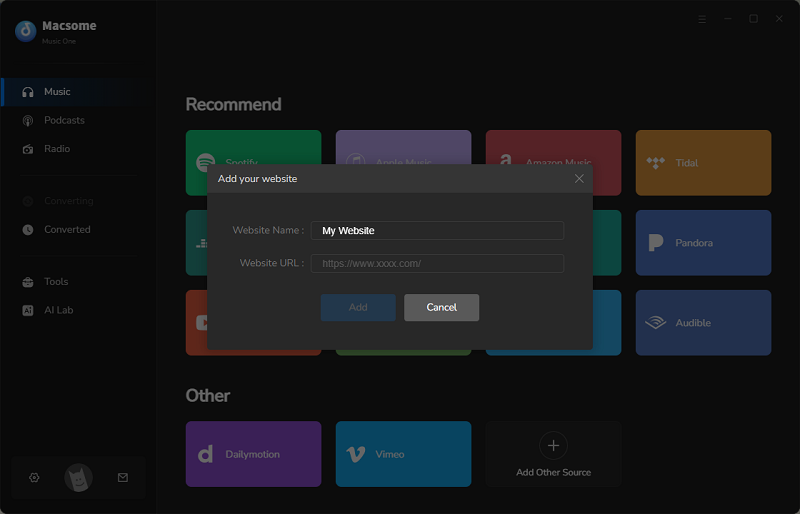
Step 2. After logging in, browse Instagram Reels or videos inside the built-in browser. Select the video that contains the audio you want to download.
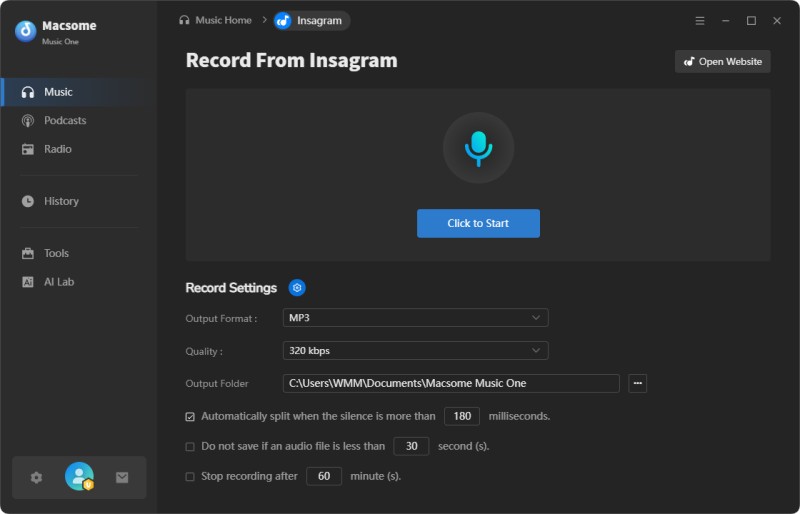
Step 3. In Record Settings, choose MP3 as the output format. Set the quality to 320 kbps for high-quality audio. You can also select a custom output folder to manage your downloaded Instagram audio files easily.
Step 4. Hit Click to Start to begin recording. Play the Instagram Reel or video, and Macsome Music One will automatically capture the audio in real time.
Step 5. When finished, click Stop Recording. The Instagram audio will be saved automatically as an MP3 file in your library, ready for offline listening or editing.
Pros:
- Works as a reliable Instagram audio downloader alternative for saving audio from Reels and videos.
- Extract and download Instagram audio to MP3, AAC, WAV, FLAC, AIFF, or ALAC formats.
- Supports batch Instagram Reels audio download for multiple videos at once.
- Preserves original audio quality with output up to 320kbps MP3.
- Keeps full ID3 tags including title, artist, and cover artwork.
- More stable than most online Instagram audio downloader tools with no ads or pop-ups.
Cons:
- Requires desktop installation (not a web-based Instagram audio downloader).
- Not suitable for quick one-time online downloads compared to browser tools.
Part 2. Top 10 Free Online Instagram Audio Downloader (All Tested)
#1. AudioDropper - Save Instagram Audio or Convert Reels To MP3
Website: https://audiodropper.com/
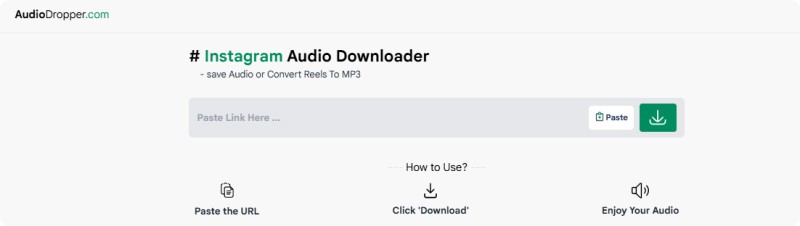
AudioDropper is an Instagram audio downloader that allows users to quickly save Instagram Reels audio or convert Instagram videos to MP3 format. It supports MP3 audio downloads at around 128 kbps with fast processing speed, making it suitable for basic Instagram audio extraction needs. However, the platform contains a high number of ads, which may affect the overall user experience during Instagram audio download.
Pros:
- Fast MP3 conversion with stable performance
- Supports reels and video audio extraction
- No signup required for basic downloads
Cons:
- Too many ads during the usage experience
- Limited output quality compared to tools
- No batch download or advanced features
#2. ReelSave - Easy Instagram Reel Audio Download Tool
Website: https://reelsave.app/
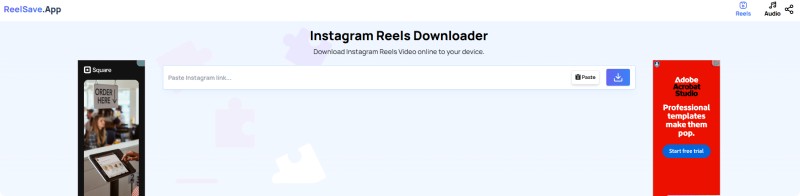
ReelSave.App is an Instagram Reel audio downloader that allows users to switch between Reels and Audio download modes. It supports Instagram video to MP3 conversion and enables users to download MP3 audio at approximately 128 kbps. The tool is simple and browser-based, but it contains many ads that may interrupt the Instagram audio download process.
Pros:
- Simple toggle between video and audio
- Works directly without installing any software
- Supports common Instagram content formats
Cons:
- Ads frequently interrupt the download process
- Audio quality is limited to the standard bitrate
- No additional editing or customization options
#3. ReelsVideo - Instagram Video to MP3 Converter for Quick Downloads
Website: https://reelsvideo.io/download-instagram-mp3
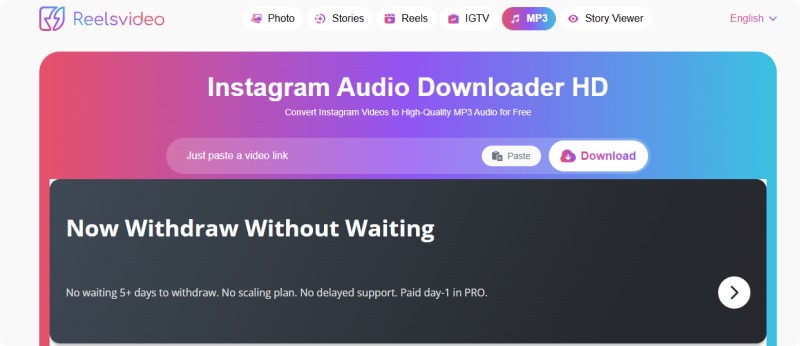
ReelsVideo.io is an Instagram video to MP3 downloader that supports both "Download MP3" and "Download Video" options. It allows users to extract Instagram audio in MP3 format at around 124 kbps. The platform is easy to use but contains frequent ads, and downloaded files often include the website name in the output filename.
Pros:
- Supports both video and audio downloads
- Quick conversion from Instagram links
- Simple interface with clear download options
Cons:
- Output filenames include website branding
- Ads are present on most pages
- Slightly lower audio bitrate than competitors
#4. SpeakApp AI - Extract Instagram Audio with Transcription Features
Website: https://speakapp.com/t/tools/instagram-audio-download
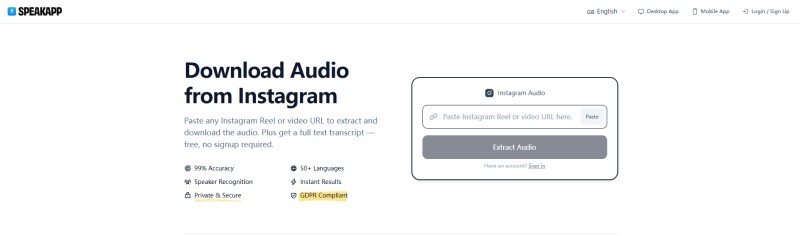
SpeakApp AI is an Instagram audio extractor that allows users to paste any Instagram Reel or video URL to extract audio and download it. It also provides a full-text transcript feature. The tool has no ads, but it appears to be a limited free version of a pro product, requiring login or app installation for full features. It outputs audio in WAV format, and file names are not differentiated, requiring manual renaming.
Pros:
- Clean interface with no visible ads
- Includes transcription for extracted audio
- Suitable for higher-quality audio workflows
Cons:
- Outputs WAV instead of MP3 format
- Requires login for full functionality access
- File names are not automatically differentiated
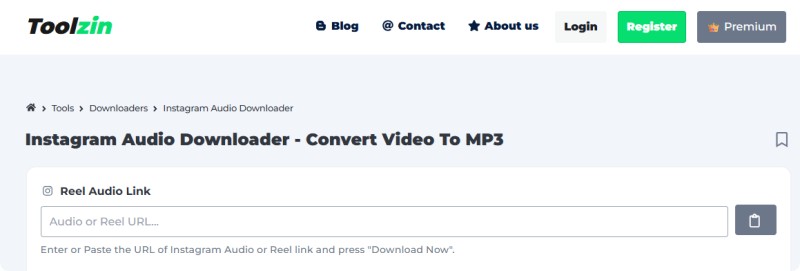
#5. Toolzin - Multi-Format Instagram Music Downloader Online
Website: https://toolzin.com/tools/instagram-audio-downloader/
Toolzin is an online Instagram music downloader that claims to support audio, thumbnail, and video downloads. However, in testing, it mainly downloads MP4 files instead of MP3. Clicking download often redirects users to another window. The platform contains ads and requires a login to unlock additional features, making Instagram audio download performance inconsistent.
Pros:
- Offers multiple download format options
- Supports thumbnails and video downloads
- Web-based tool with no installation needed
Cons:
- Often redirects before completing downloads
- MP3 extraction is not always working properly
- Requires login for extended functionality access
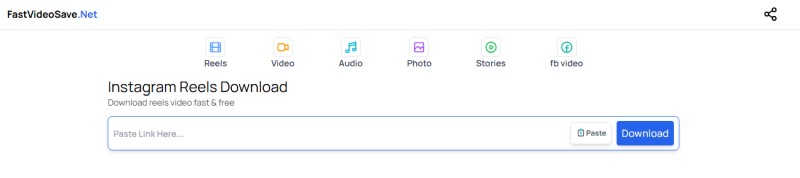
#6. FastVideoSave - Reliable Instagram Audio Downloader for MP3
Website: https://fastvideosave.net/audio
FastVideoSave.net is an Instagram audio downloader that supports downloading Instagram Reels, IGTV, and video-to-audio MP3 conversion. It supports MP3 audio downloads at around 128 kbps and offers stable basic performance. However, the website contains ads and has an outdated interface design, with the copyright showing © 2024 Fastvideosave.
Pros:
- Supports multiple Instagram content formats
- Stable MP3 download performance overall
- No account required for basic usage
Cons:
- Outdated interface and design structure
- Ads are present throughout the website pages
- Limited improvements or recent updates
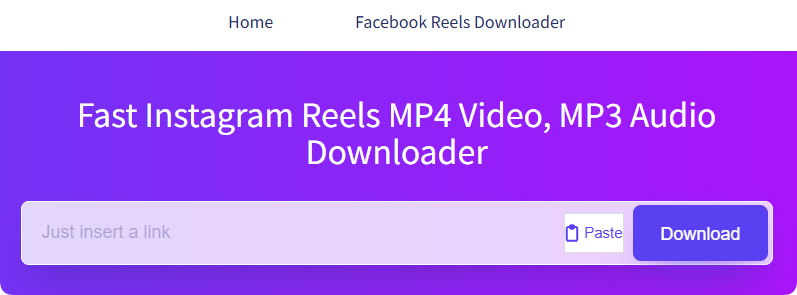
#7. sssReels - Ad-Free Instagram Reel Audio Download Tool
Website: https://sssreels.com/
sssReels is a lightweight Instagram reel audio downloader that supports both MP3 and MP4 downloads. It provides ad-free Instagram audio download functionality and fast processing speed. However, MP3 audio quality is low (around 64 kbps or lower), and no detailed bitrate information is displayed in file metadata.
Pros:
- No ads for a smoother user experience
- Supports both MP3 and MP4 formats
- Fast processing witha a simple interface
Cons:
- Low audio quality in MP3 downloads
- No bitrate details are clearly provided
- Limited features beyond basic downloading
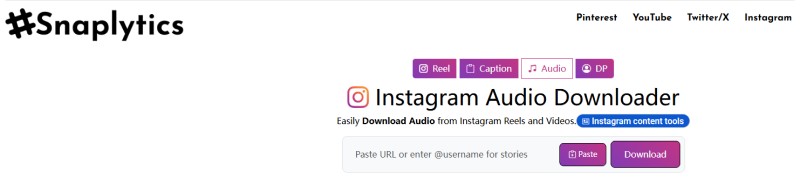
#8. Snaplytics - Instagram Music Downloader with Multiple Formats
Website: https://snaplytics.io/instagram-audio-download/
Snaplytics is an Instagram music downloader that supports downloading audio, thumbnails, and videos from Instagram Reels and posts. After clicking download, users must complete a verification step. The platform contains many ads and pop-ups. MP3 audio quality is relatively low (around 64 kbps or lower), and filenames include the website branding.
Pros:
- Supports multiple content download options
- Works with reels and standard videos
- Provides audio and thumbnail extraction
Cons:
- Requires verification before downloading files
- Too many ads and pop-ups are displayed
- Audio quality may be relatively low
#9. INDownloader - High Quality Instagram Audio Downloader Up To 192kbps
Website: https://indownloader.app/
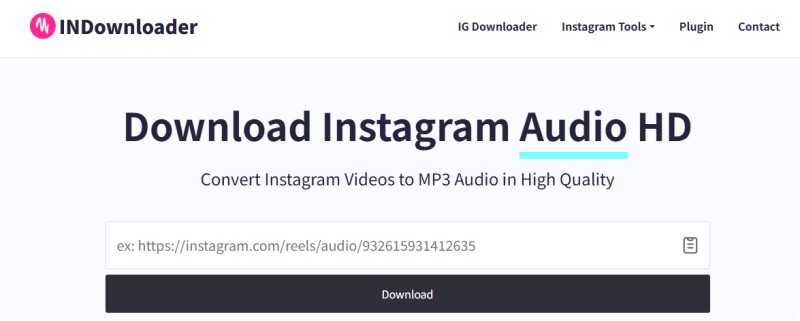
INDownloader is a multi-functional Instagram audio downloader that supports MP3 audio downloads up to 192 kbps. It allows users to download Instagram videos, photos, Reels, and profile pictures. The tool also offers a browser extension for easier access. However, it contains ads, and downloaded files include the website name in filenames.
Pros:
- Supports high-quality MP3 up to 192kbps
- Includes a browser extension for convenience
- Works with multiple Instagram content types
Cons:
- Ads appear during the normal usage process
- Output filenames include website branding
- The interface is slightly cluttered with options
#10. InstaSaver - Clean Instagram Audio Downloader with High MP3 Quality
Website: https://instasaver.io/en/audio/
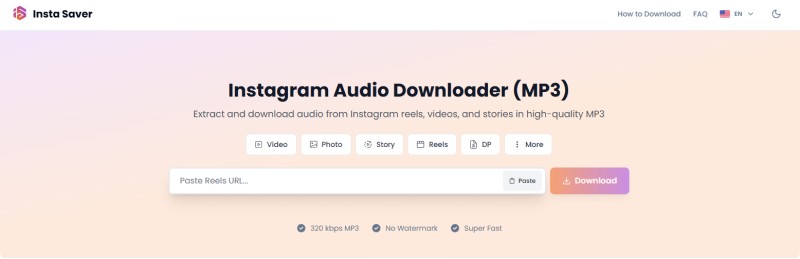
Insta Saver is an Instagram audio downloader that allows users to extract and download audio from Instagram Reels, videos, and stories in high-quality MP3 format. It claims support for original MP3 and high-quality audio up to 320 kbps, while the real output is around 192 kbps. Unlike most tools, it has no ads. Downloaded files include video titles, emojis, and website branding in filenames.
Pros:
- No ads for a smooth user experience
- Supports relatively high MP3 quality output
- Keeps original titles in downloaded files
Cons:
- File names may include extra information
- Claimed bitrate higher than actual output
- Limited advanced features beyond downloading
Although many tools, such as Vidooq, SaveInsta (SaveClip), Reelsaud, FastDL, and similar websites, claim to support "Instagram audio download as MP3," our testing shows that most of them do not fully support real MP3 audio extraction. Some only provide video or thumbnail downloads, while others fail to function properly or require app downloads and additional verification steps. Therefore, we selected only the most reliable and functional Instagram audio downloader tools that actually support usable MP3 or audio extraction from Instagram Reels and videos.
Part 3. Best Instagram Audio Download Tools Comparison (11 Tools)
The table below compares Macsome Music One with the top 10 free online Instagram audio downloader tools based on MP3 quality, ads, supported formats, and best use cases, helping you choose the most suitable option for downloading Instagram audio.
| Tool | Website | MP3 Quality | Ads | Best For |
|---|---|---|---|---|
| Macsome Music One | Desktop Software | Up to 320 kbps (lossless supported) | No Ads | High-quality audio extraction, batch download, multi-platform streaming conversion |
| AudioDropper | audiodropper.com | ~128 kbps | High | Fast Instagram Reels to MP3 conversion |
| ReelSave | reelsave.app | ~128 kbps | High | Simple Instagram reel audio download |
| ReelsVideo | reelsvideo.io | ~124 kbps | High | Instagram video to MP3 quick download |
| SpeakApp AI | speakapp.com | WAV (no MP3) | No Ads | Audio transcription + professional workflow |
| Toolzin | toolzin.com | Not reliable (mostly MP4) | High | Multi-format Instagram downloads |
| FastVideoSave | fastvideosave.net | ~128 kbps | High | Reels / IGTV audio extraction |
| sssReels | sssreels.com | ~64 kbps or lower | No Ads | Fast lightweight downloads |
| Snaplytics | snaplytics.io | ~64 kbps or lower | High | Multi-format Instagram downloads |
| INDownloader | indownloader.app | Up to 192 kbps | Medium | High-quality Instagram audio download |
| InstaSaver | instasaver.io | Up to 192 kbps (claims 320 kbps) | No Ads | Clean UI, high-quality MP3 extraction |
Among these tools, Macsome Music One stands out as the most powerful desktop Instagram audio downloader, offering batch downloads and high-quality MP3 output up to 320 kbps. In comparison, most online Instagram audio downloader tools are suitable for quick and occasional use, but they typically come with lower audio quality, ads, and limited features such as batch downloading and stable conversion performance.
Part 4. FAQs About Instagram Audio Download Tools
- What is an Instagram audio downloader?
- An Instagram audio downloader is a tool that extracts and saves the audio track from Instagram content, such as Reels, videos, or Stories, into a standalone file. This tool can be a website, mobile app, or desktop software. The file is typically saved in formats like MP3 or M4A.
- Is the Instagram audio downloader safe to use?
- Most online Instagram audio downloader tools are safe for basic use, but many contain ads, redirects, or verification steps. It is recommended to use trusted tools like Macsome Instagram Downloader that do not require unnecessary downloads or login.
- Can I download Instagram audio in MP3 format?
- Yes, you can download Instagram audio in MP3 format using various online tools or desktop software. Typically, you copy the link to the Instagram post, paste it into the downloader, and select MP3 as the output format. The tool will then extract the audio from the video and convert it into an MP3 file that you can download. However, the audio quality may vary depending on the source and the tool used. Also, make sure you respect copyright rules when using downloaded audio.
- Why do some Instagram audio downloaders not work properly?
- Some tools only support video downloads, have broken scripts, or require app installation. In some cases, Instagram updates also affect download functionality.
- What is the best Instagram audio downloader?
- There is no single "best" Instagram audio downloader, as different tools meet different needs. Desktop software like Macsome Music One offers higher quality, batch downloads, and better stability, making it suitable for frequent use. Online tools such as ReelSave or FastVideoSave are quicker and more convenient but often come with ads or limitations. Ultimately, the right choice depends on whether you prioritize quality, speed, or convenience.
Summary: What Is the Best Instagram Audio Downloader?
When choosing an Instagram audio downloader, it mainly comes down to whether you value audio quality and advanced features or speed and convenience. For high-quality MP3 output, batch downloads, and reliable performance, Macsome Music One stands out as a powerful desktop solution. It supports up to 320 kbps audio conversion and allows bulk downloading of Instagram Reels audio and video soundtracks with consistent quality.
Free online tools for extracting audio from Instagram videos are better suited for quick, occasional use since they require no installation. However, they often come with limitations such as lower bitrate output, ads, unstable performance, and fewer advanced options, making them less ideal for frequent use or consistent results.
Overall, Macsome Music One is the best choice for users who need a professional and stable solution for downloading audio from Instagram in high quality. Get started with Macsome Music One to easily save Instagram audio in up to 320 kbps MP3 format with batch downloading and a seamless experience.